
Is WebStory for me?
Here’s a quick checklist. You need WebStory if you:
- want a better blog editor to write blog post offline without messing up with HTML or CSS
- keep multiple blogs and want to syncrhonize them easily
- want to back up your blogs regularly
- use Twitter and web albums like Flickr or Picasa
What WebStory has to offer?
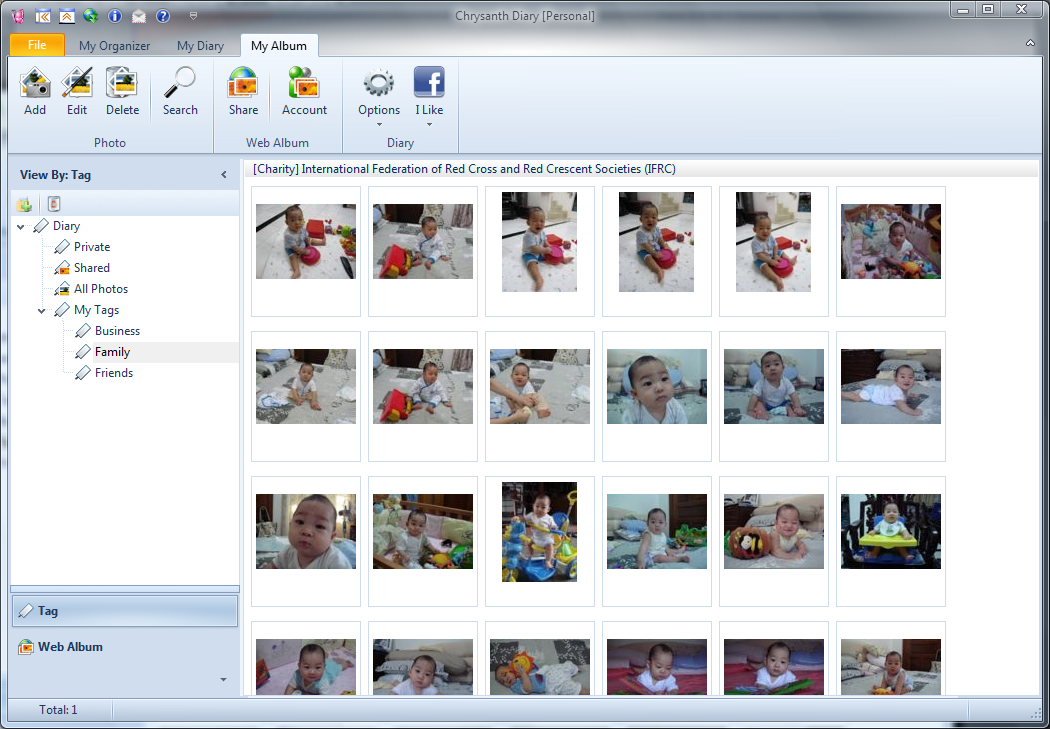
WebStory supports a wide range of blog services, blog servers, twitter, picasa and flickr.
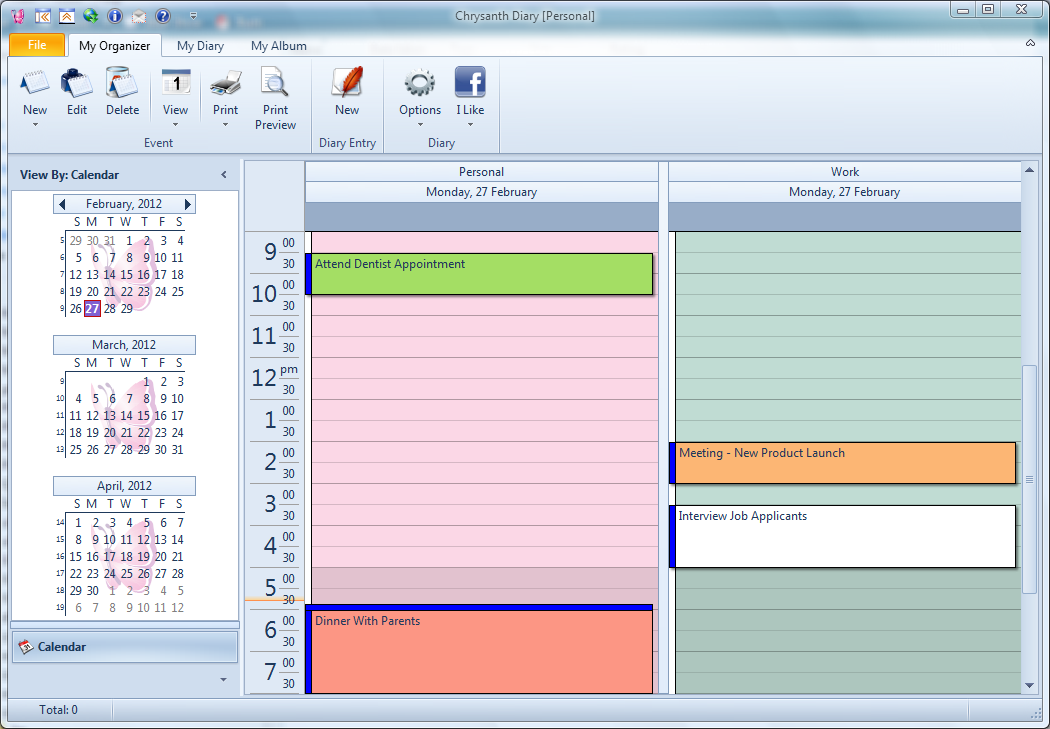
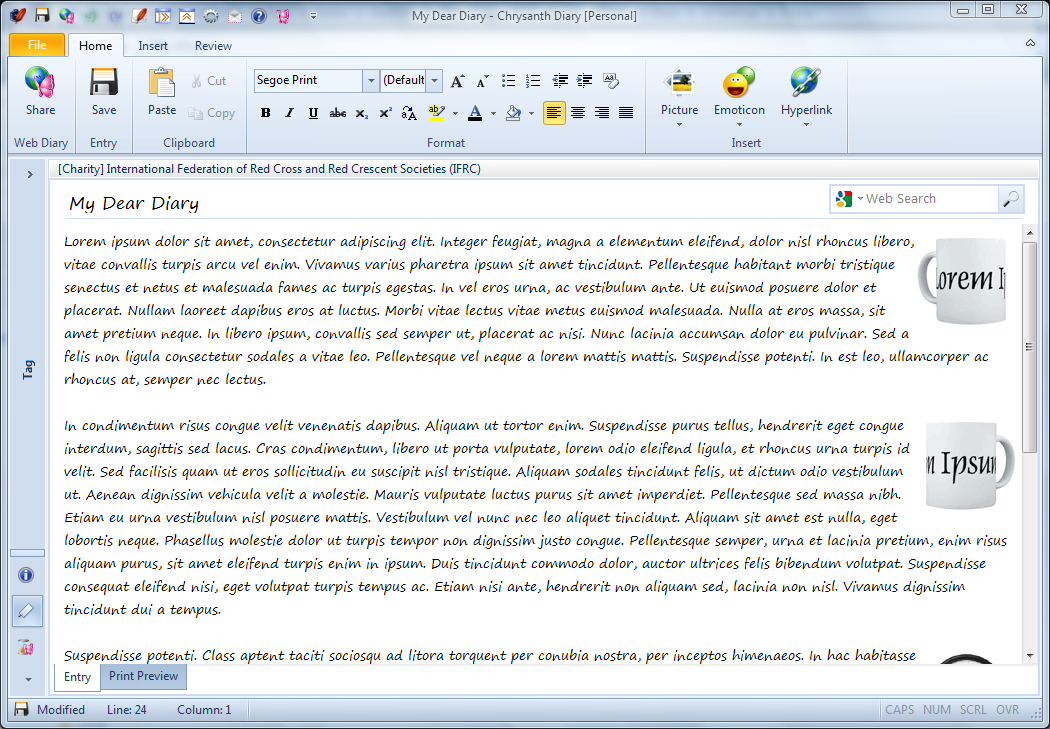
WebStory comes with a WYSIWYG blog editor that makes it an extremely useful desktop blog management software. What does a blog management software offer and how it helps bloggers?
WebStory comes with a powerful yet intuitive blog editor that makes blogging a true breeze to bloggers. Let’s see what WebStory has to offer by first comparing the screens for WordPress‘s default blog editor and WebStory’s blog editor (click to enlarge):
| WordPress’s blog editor | WebStory’s WYSIWYG blog editor |
For more screens of WebStory, you may visit here: http://webstory.my/screenshots/
With WebStory, the entire blogging experience work for you in just a few clicks:
- back up all online entries
back up all online entries to local computer with one click, including blog posts, pages and comments — no more worries that your blog is gone the next day when you wake up - write and save your blog post offline
write and save your blog post offline and edit it to your satisfaction before you publish it — no more loss of painstakingly written content after web browser refresh or crash - update your published post instantly
update your published post instantly at anytime for any changes that you desire, with just one click — no more hassle to search through and wait for the target post to appear before you could make any modification in your browser - powerful and intuitive WYSIWYG blog editor
powerful and intuitive WYSIWYG blog editor for instant text formatting — no HTML or CSS knowledge needed at all, even though you may still write your entire blog post in the powerful HTML editor - preview your blog post
preview your blog post to check out every layout detail — no more “oops! I didn’t know it’s going to look that ugly with this layout…” pain after publishing your blog post - manage multiple blogs, microblogs and web albums simultaneously
save time for multiple sign-in and navigation on the web - automatically upload your blog photos
automatically upload your blog photos to blog server storage, web albums or FTP servers — no more frustration for manual image uploading - synchronize multiple blogs
with one click, share your brilliant post to multiple blogs and social networks easily - Twitter support
rant your thoughts happily and follow other great thinkers - web albums support like Flickr and Picasa
share your photos with your family and friends - support for various blog servers and services
support for various blog servers and services, including blogspot.com, typepad.com, wordpress.com and many others — no more hassle to get used to new blog editors and options of new blog server - protect your database
protect your database with a secure password — safekeep contents that you really don’t want others to pry at - spell check and thesaurus support
spice up your writing style to impress - and more…
No matter you are a pro-blogger, or someone who’s new to blogging, you will find a truly different blogging experience with WebStory. Beginners with no knowledge in HTML or CSS will start blogging avidly in no time with its user-friendly interface. Advanced users will welcome the hassle-free approach to managing and maintaining their blogs.
All in all, with WebStory, blogging is no longer about time wasted to worry about blog backup, text formatting, picture uploads, multiple blog accounts synchronization, waiting for the Internet to process your blog entry, losing blog content when the page does not refresh properly, learning HTML… the list goes on. Instead, it’s about time gained to focus on what matters most about blogging; Your thoughts. Your say. Your rants. Your views. Your ideas. Your blog writing.
To see WebStory in action now, visit this 5-minute getting started guide.
To get your free copy of WebStory, visit here: http://webstory.my/download/
What’s your WebStory today?


Reviewed.. I’m quite impressed with the program.
May 11, 2012 at 7:45 pm
Thanks for the review :’)
Regarding the “Read More” tag feature, you may insert one via the Blog Editor’s Read-More Tag menu, which is to the right end of the toolbar, or did you find that it did not work with your blog?
For more info on Read-More Tag: http://webstory.my/support/how-to/insert-a-read-more-tag/
May 12, 2012 at 4:23 am
I’ve heard somewhere that there was a full license. Is this just a rumor?
March 15, 2012 at 7:34 am
May I know what do you mean by full license? Basically WebStory is free for casual usage. You only need some credit points if you need Professional Activation ^_^
March 15, 2012 at 10:07 am
I’ll have a try to this app. thx
January 12, 2012 at 9:28 am
If you need any further assistance, you may join our discussion forum here: http://webstory.my/webstory-forum/ ^_^
January 12, 2012 at 10:15 am
شكر
June 6, 2011 at 12:45 am